
How to Save Recipes from Instagram Reels
To save recipes from Instagram Reels, get the recipe out of Instagram and into a format you can cook from. The quickest route: share the Reel's link, paste its caption, or import a screenshot into a recipe keeper app like Cookit, which converts any of the three into a clean recipe card with ingredients and numbered steps.
The Instagram recipe problem
Instagram recipes arrive in three inconvenient shapes. Some creators write the whole recipe in the caption — great, but captions are hard to cook from and impossible to search later. Some put the recipe only in the video, spoken or shown on screen. And some post a beautiful Reel with "recipe in comments" that you will never find again. Saving the post to a collection preserves none of this in a usable form: you've bookmarked a video, not a recipe.
Three ways to capture a Reel recipe
1. Share the link
Tap the paper-plane icon on the Reel, choose Copy link or share directly to a recipe app. This works even when the recipe lives in the video itself, because a good importer analyzes the video, not just the text around it.
2. Copy the caption
When the full recipe is written in the caption, copy the text and paste it into your recipe keeper. The goal is to turn a wall of emoji-studded text into a structured ingredient list and steps.
3. Screenshot it
For recipes shown on screen, in stories, or in comment threads, a screenshot captures what a link can't. On its own it just clutters your camera roll — unless your recipe app can read it.
The fastest way: import into Cookit on iPhone
Cookit accepts all three formats and turns each into the same clean recipe card:
- On the Reel, tap Share and pick Cookit from the share sheet — or copy the link, caption, or screenshot.
- In Cookit, paste the link or text, or import the screenshot from your photos.
- Cookit extracts the ingredients, quantities, and instructions and builds the recipe card.
- Check the card, edit anything, and save it to your library.
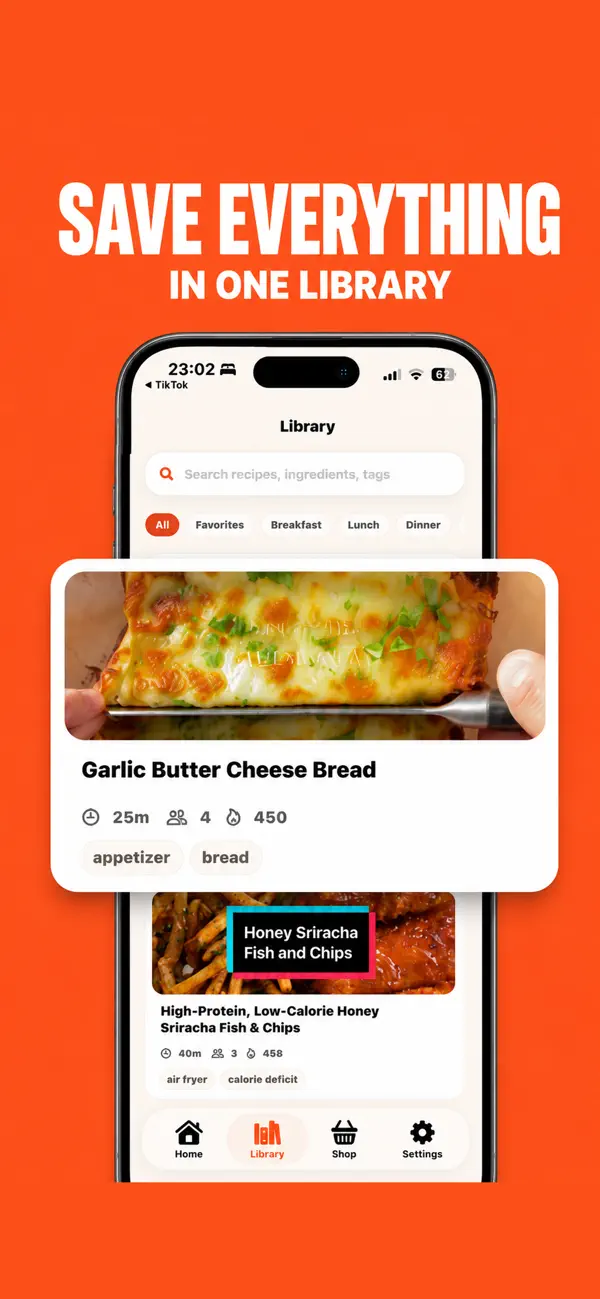
Whichever way the recipe came in, the result is the same: a card with ingredients, step-by-step instructions, prep and cook times, servings, storage tips, substitutions, and estimated nutrition — saved next to everything you've captured from TikTok, websites, and notes, and ready to feed your weekly shopping list.
Keeping your Instagram finds usable
The real win isn't the single save — it's what happens after a month of them. Instagram collections grow into the same swamp as TikTok favorites: pretty thumbnails, zero searchability. A recipe library grows differently. Each imported Reel becomes a named, searchable card, so "that whipped feta thing from the account with the tiled counter" turns into a two-second search for "feta".
Cards are also honest in a way Reels aren't. Instagram cooking videos are edited for envy — twelve ingredients appear in four seconds of b-roll. Reading the extracted ingredient list tells you up front whether this is a Tuesday dinner or a weekend project. When you do cook it, edit the card afterward: fix a quantity the creator glossed over, note your substitution, adjust servings for your household. Favorites keep the proven ones on top, and when you're planning the week, any of them can feed the shopping list alongside recipes from TikTok, websites, and your own notes.

What to expect
Extraction quality follows the source: a Reel that never mentions quantities will produce a card with estimated amounts, so give every imported recipe a ten-second skim before you cook it. Cookit is free to try with a limited number of imports; unlimited imports, AI recipe cleanup, and AI Chef cooking help are included in Cookit Pro.
One habit ties it together: save at the moment of scrolling. The share sheet takes three taps while the Reel is on screen; finding the same Reel next weekend can take twenty minutes. Capture now, decide whether to cook it later — that's what a library is for.