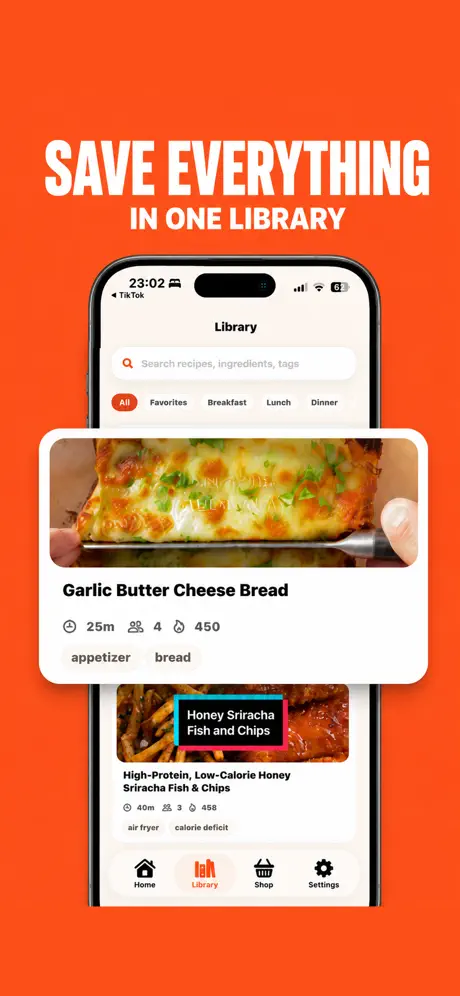
One searchable library
Organize favorites and recent recipes, then search by recipe, ingredient, or tag.
 Cookit
App Store
Cookit
App Store
Save from videos, screenshots, links, or ideas. Cook hands-free and shop in one tap.
Download on theApp Store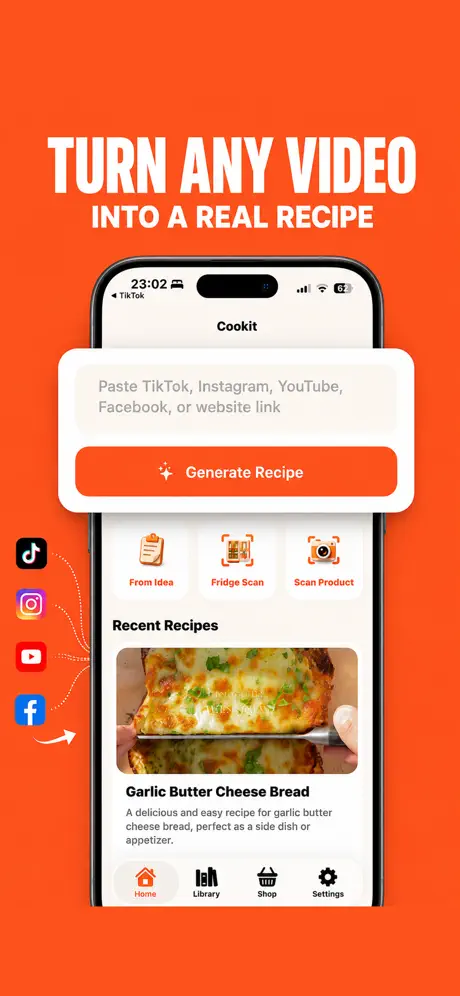

From inspiration to dinner
Cookit transforms scattered food ideas into clean recipe cards with ingredients, steps, timing, servings, substitutions, storage notes, and estimated nutrition.
Paste a TikTok, Instagram, YouTube, Facebook, or website link. Import a screenshot, caption, photo, note, or quick idea. Cookit organizes it into something you can actually cook.
Follow guided steps, prep checklists, and clear progress controls while you cook. Ask AI Chef a question when a substitution or technique trips you up.
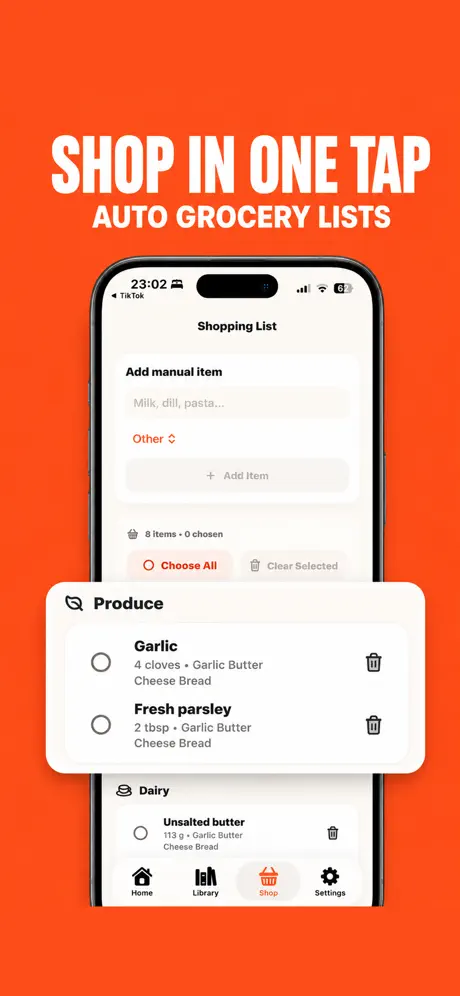
Turn saved recipes into a grocery list. Group ingredients, adjust what you need, and keep every recipe connected to the items it added.
Your whole recipe life
Organize favorites and recent recipes, then search by recipe, ingredient, or tag.
Adjust ingredients, steps, servings, notes, times, and measurement units.
Generate from a craving, scan a product, or use fridge ingredients as a starting point.
Dietary preferences, skill level, goals, and units shape recipe generation.
Unlock unlimited imports, AI cleanup, fridge and product scans, AI Chef, and smart shopping tools.
Use the share extension to send recipe links or text into Cookit from other apps. Optional Pro access and current pricing are shown before purchase. Read the privacy policy.
Kitchen shortcuts