
How to Find Out What Something Is Worth from a Photo
To find out what something is worth from a photo, scan it with an AI value estimator like Scale AI's Estimate Value mode for an instant ballpark, then confirm promising items against sold listings on resale marketplaces. AI gives you triage speed; sold prices give you truth; a professional appraisal is for the genuinely valuable.
Every declutter, inheritance, or garage-sale weekend produces the same pile of questions: is this old lens worth listing, is that vase charity-shop material, does grandpa's watch need an expert? Checking each item by hand — identify it, search it, compare conditions — takes ten minutes apiece. The trick is to sort the pile fast, then invest research time only where it might pay.
Ballpark vs. appraisal: know which one you need
A ballpark value answers "sell, donate, or toss?" — it can be off by half and still do its job. An appraisal is a documented professional opinion for insurance, estates, taxes, or auction houses, and it's the only number that counts for jewelry, art, rare collectibles, and antiques. Using a ballpark where an appraisal belongs can cost real money; commissioning appraisals for a shelf of paperbacks costs real money too. Match the tool to the stakes.
Fast triage: Scale AI's Estimate Value mode
For the sort-the-pile phase, Scale AI turns each "what's this worth?" into a ten-second scan:
- Open Scale AI, tap the mode selector, and choose Estimate Value.
- Photograph the item in good light, label or maker's mark visible if it has one — brand and model are the biggest value drivers.
- Tap Capture, or import an existing photo.
- Read the rough market value, the confidence level, and what the AI identified (brand, category, apparent condition).
- Sort accordingly: low value goes to the donate box, promising items get proper research, and anything flagged as potentially valuable goes to a human expert.
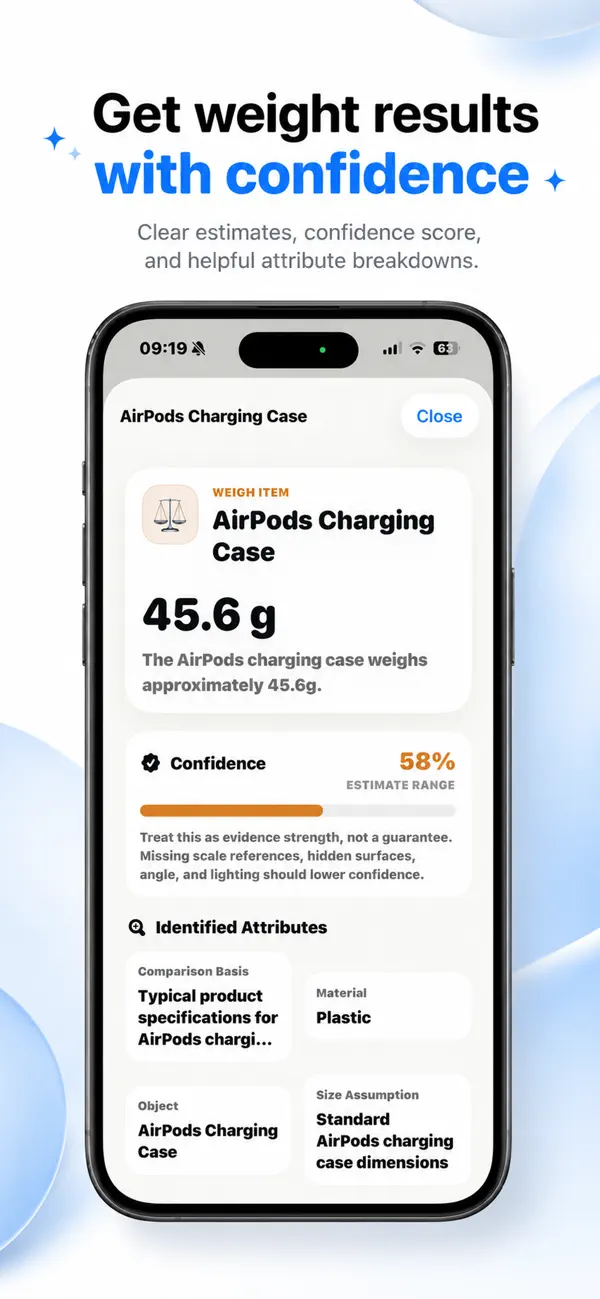
Every scan is stored in your local history, so by the end of a decluttering session you have a browsable record of the whole pile — useful for deciding what to photograph properly for listings. No account is required, and photos are only sent for analysis when you start a scan.
Verify the keepers against sold listings
For anything the scan says might be worth listing, spend the research time: search the exact brand and model on eBay and filter by sold listings (asking prices are fiction; sold prices are data). Check local marketplaces for bulky items where shipping kills margins, and specialty communities for niche gear — camera, vinyl, and tool forums routinely price things more accurately than general marketplaces.
An estimate is not an appraisal
Scale AI's value figures are rough AI estimates with a stated confidence level — condition, authenticity, and local demand can swing real prices dramatically, and the AI sees none of those perfectly from one photo. Don't rely on it for insurance, estate, tax, or any financial decision. If a scan hints that something is genuinely valuable, treat that as a reason to get a qualified appraisal, not a substitute for one.
